
Walkthrough · 1:51
Hiring a sponsored worker: from job post to Right to Work record

For recruiters hiring a sponsored worker. Hiring a sponsored worker touches recruitment, onboarding, Right to Work and your sponsor duties. In LicenceGuard it is one journey, on one record: post a job, move a candidate through the pipeline, onboard them, record the share-code check and see the UKVI duty it creates.
0:20Every candidate, every stage
Recruitment follows six steps, from posting the job to onboarding the new starter. The pipeline shows every applicant at every stage, with interviews and offers recorded as you go.
When the offer is accepted, Hire and Invite creates the employee record and sends their login invitation in one step.

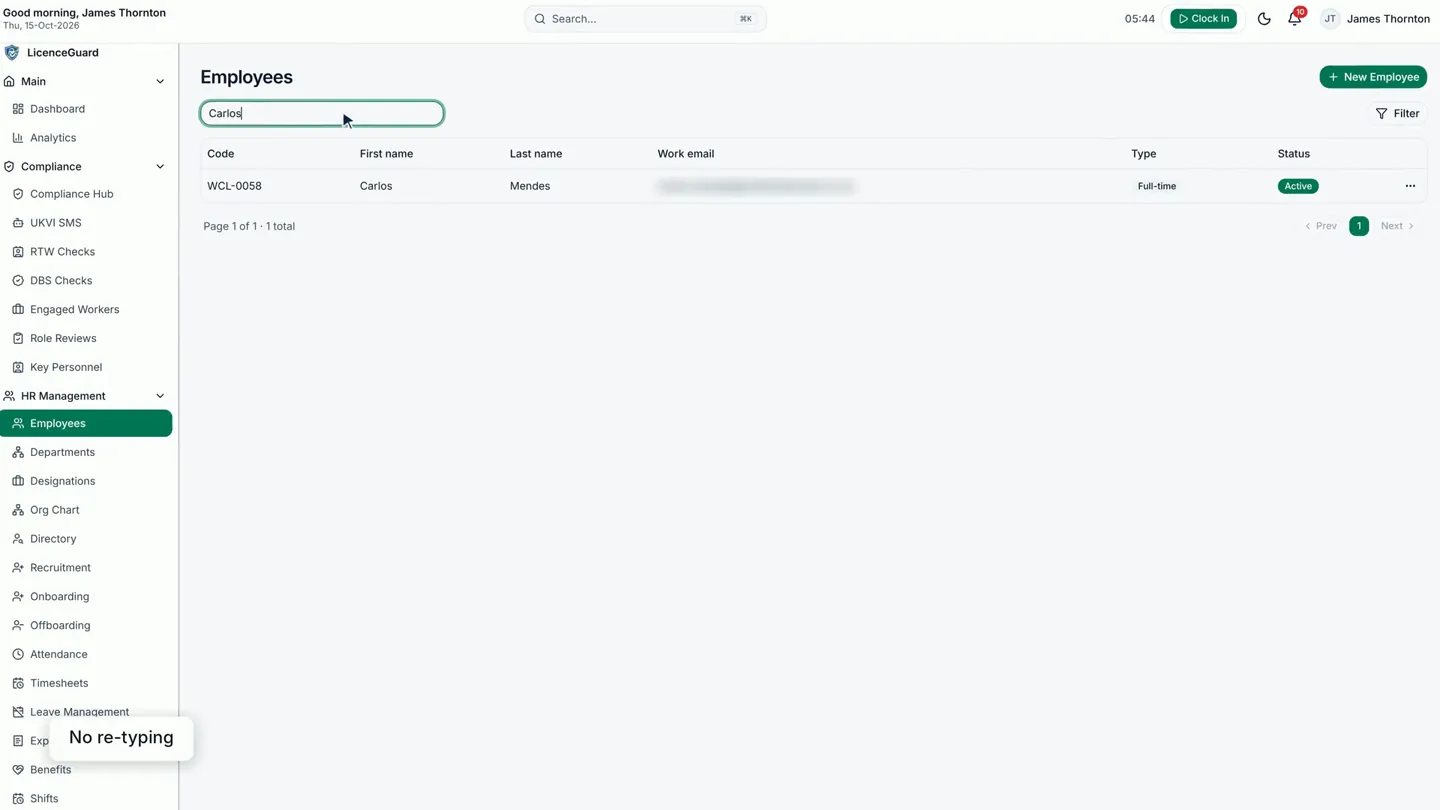
0:38No re-typing
The candidate’s details carry straight over to the new employee record, so nobody types them in twice.
0:50Onboarding, step by step
The new starter’s onboarding is tracked as a checklist. The remaining tasks are assigned and dated.

1:04Right to work: not yet checked
Until the Right to Work check is done, it shows as outstanding before the person’s first day.
The share code is checked with the Home Office online service, then the check is recorded in LicenceGuard: the type of check and the result.

1:22Saved to her record
The check is saved to her record with the date of the check, and joins the verification history alongside every check before it.
When a sponsored worker starts, that is a reporting duty too. In the video, another worker’s start was reported, and the reference is kept in LicenceGuard.

Good to know
- LicenceGuard records the Right to Work check your team carries out with the Home Office service. It does not carry out the check itself.
From job post to a recorded Right to Work check and a tracked sponsor duty, on one record. More on recruitment in LicenceGuard.
Read the full transcript
0:00 Hiring a sponsored worker touches recruitment, onboarding, right to work and your sponsor duties.
0:06 In LicenceGuard it's one journey, on one record.
0:12 Recruitment follows six steps, from posting the job to onboarding the new starter.
0:21 The pipeline shows every applicant and every stage, with interviews and offers recorded as you go.
0:30 When the offer's accepted, Hire and Invite creates the employee record and sends their login invitation in one step.
0:43 Their details carry straight over, so nobody types them in twice.
0:55 Liza starts soon. Her onboarding is half done, and the remaining tasks are assigned and dated.
1:05 Her right-to-work check isn't done yet, so it shows here before her first day.
1:13 James checks Liza's share code with the Home Office online service, then records the check here: the type of check and the result.
1:22 It's saved to her record, with the date of the check.
1:26 And it joins the verification history, alongside every check before it.
1:32 When a sponsored worker starts, that's a reporting duty too. Maria's start was reported, and the reference is kept here.
1:39 From job post to a recorded right-to-work check and a tracked sponsor duty, on one record.
Related videos
Recording a share-code check
Record a Right to Work share-code check on the worker's record, with the result and the evidence.
A sponsored worker's visa expires in 60 days
For HR managers and Authorising Officers when a sponsored worker's permission is coming to an end: how LicenceGuard reminds the right people, schedules the follow-up right to work check, and keeps the evidence on the worker's record.
Sponsor duties and reporting deadlines
For sponsor licence holders who need to know which UKVI duties are due and when: the UKVI SMS screen, the obligations tracker, absence monitoring and the audit trail.


Get started
Ready to try it on your own records?
Start your 14-day free trial, or book a demo and we will walk you through LicenceGuard with your own questions in mind.
- Card required
- Cancel during your trial
- No VAT currently charged