
Getting started · 0:57
Sign up and start your free trial

This short video is for the person setting up LicenceGuard for their organisation for the first time. It shows each sign-up step, what it asks for, and what happens with the card you add.
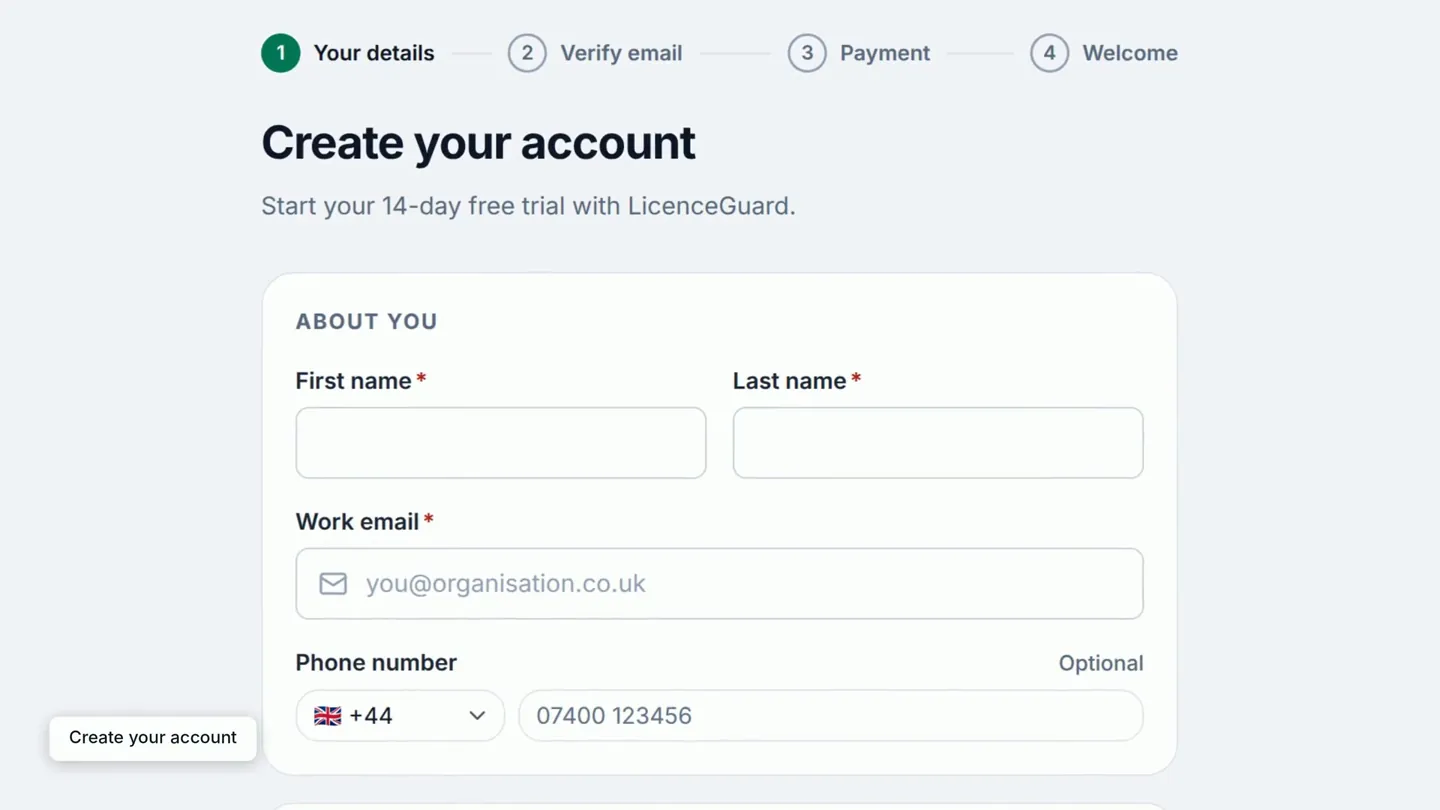
0:00Create your account
The sign-up page starts your 14-day free trial. A row of four steps at the top shows where you are, from your details through to a welcome screen.
Enter your first and last name and your work email, then your company name. The number of seats is one for each person who will sign in to LicenceGuard.
0:15Choose a password
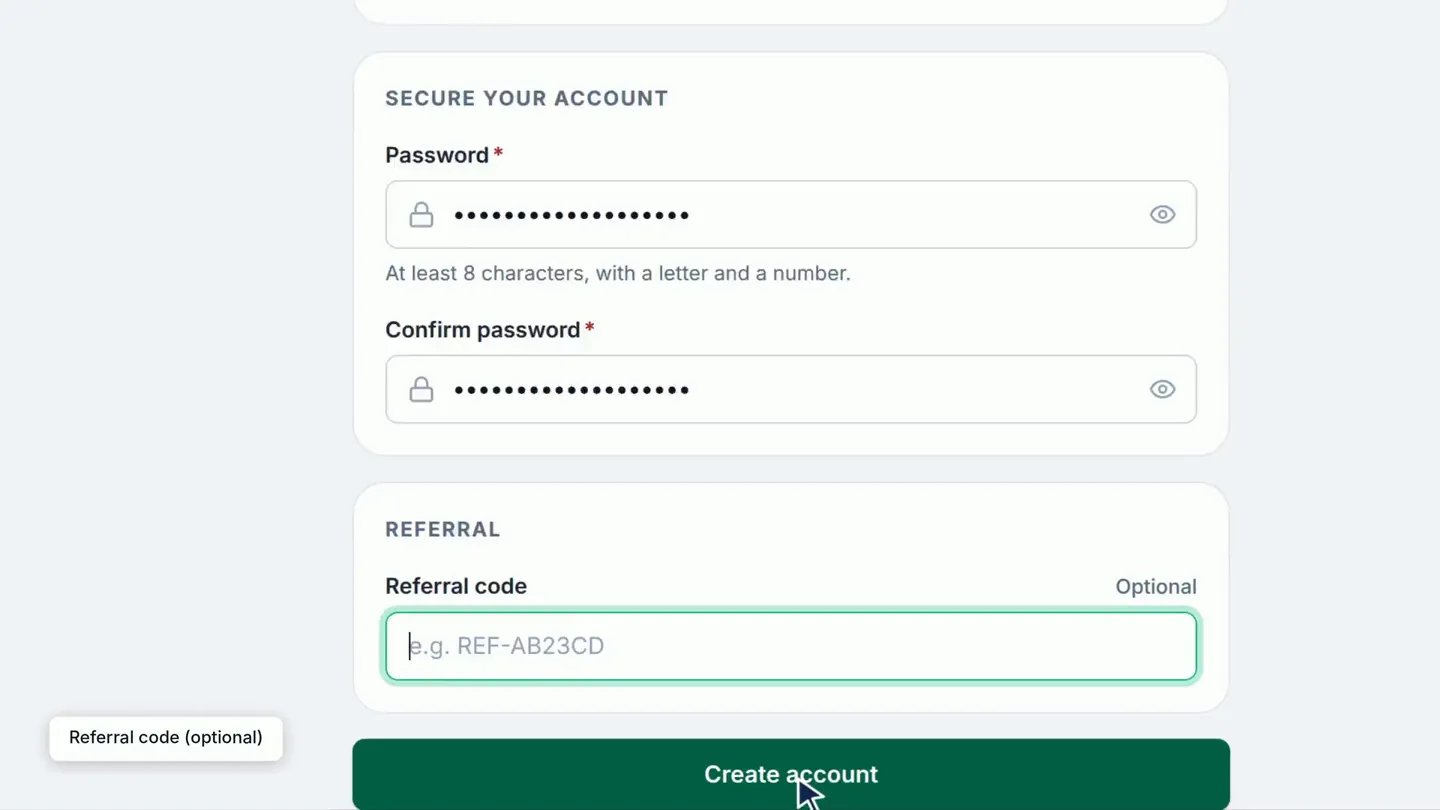
Choose a password of at least eight characters, including a letter and a number, and type it again to confirm it.
If someone referred you to LicenceGuard, select Add a referral code and enter their code. Then select Create account.
0:28Enter the emailed code
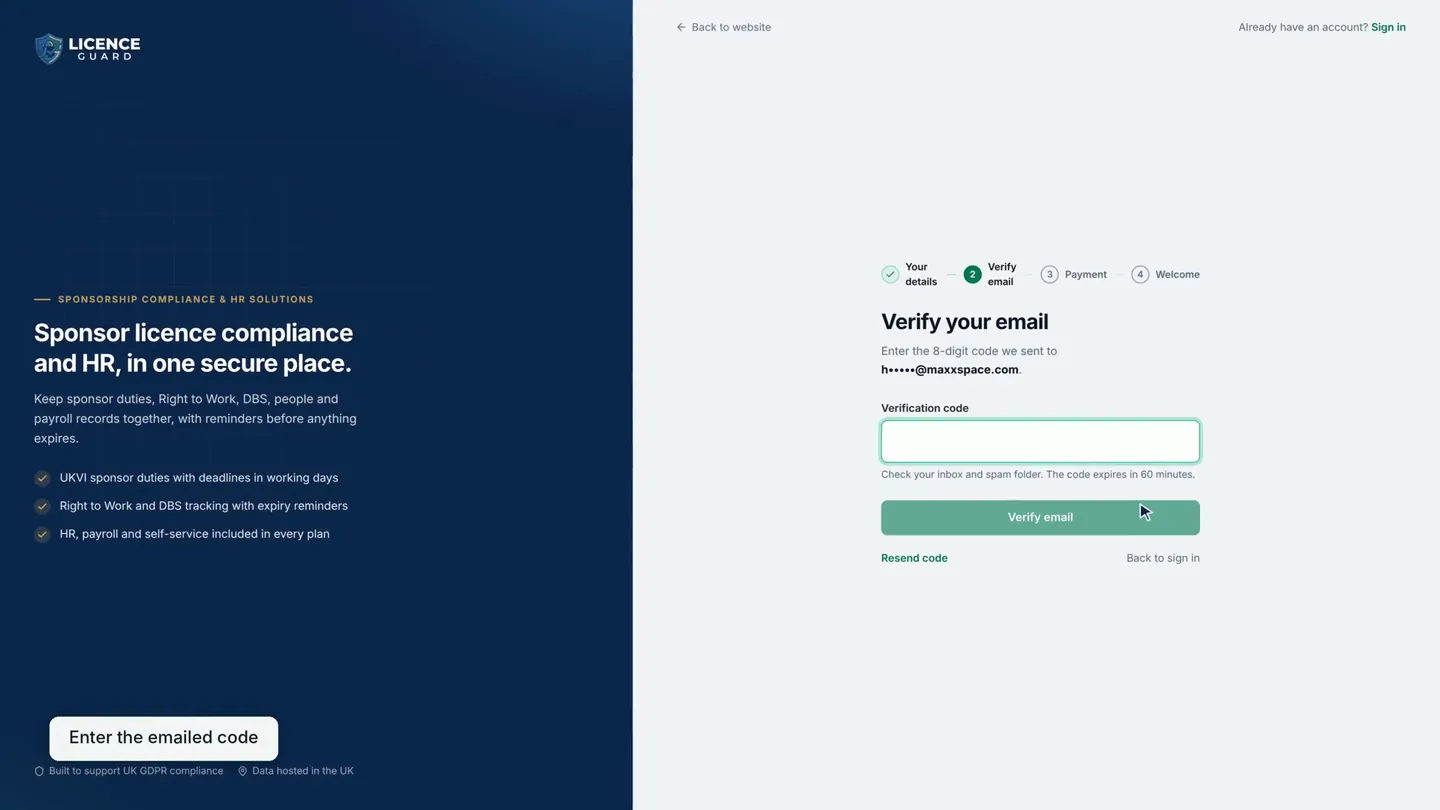
LicenceGuard emails you an eight-digit code. Type it in and select Verify email.
Next, add a card to start your free trial. The card is charged when the trial ends, and you can cancel before then. Once the card is added, you land in your new organisation, ready to set it up.
Next, set up LicenceGuard in four steps, or see what the trial includes on the pricing page.
Read the full transcript
0:02 Open the sign-up page. It starts your 14-day free trial, and shows four steps, from your details to a welcome.
0:09 Enter your name and work email, then your company name. Number of seats is one for each person who will sign in.
0:16 Choose a password with at least eight characters, a letter and a number, and confirm it.
0:21 If someone referred you to LicenceGuard, select Add a referral code and enter their code here. Then select Create account.
0:29 We email you an eight-digit code. Type it in and select Verify email.
0:38 Add a card to start your free trial. It is charged when the trial ends, and you can cancel before then.
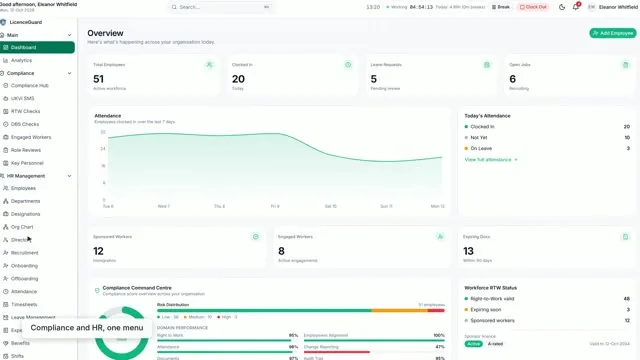
0:48 Once the card is added you land in your new organisation, ready to set it up.
Related videos
Set up LicenceGuard in four steps
For owners and HR leads deciding whether LicenceGuard fits: import your people, set the documents you require, and enter your sponsor licence details in four steps.
Accept your invitation and sign in for the first time
A new member of staff who has received an invitation email and needs to set a password and sign in for the first time.
Welcome: a 1-minute tour of LicenceGuard
For a new administrator on their first day: where the dashboard, the Compliance and HR Management menus, the Compliance Hub, the reminders bell and your own profile are.


Get started
Ready to try it on your own records?
Start your 14-day free trial, or book a demo and we will walk you through LicenceGuard with your own questions in mind.
- Card required
- Cancel during your trial
- No VAT currently charged